
Draw exact 2:1 pixel stair diagonals for isometric construction.
You will learn
- Choose Isometric line and find its options
- Draw and inspect a 2:1 pixel stair
- Compare thin and thick marks
Choose Isometric line and find its options
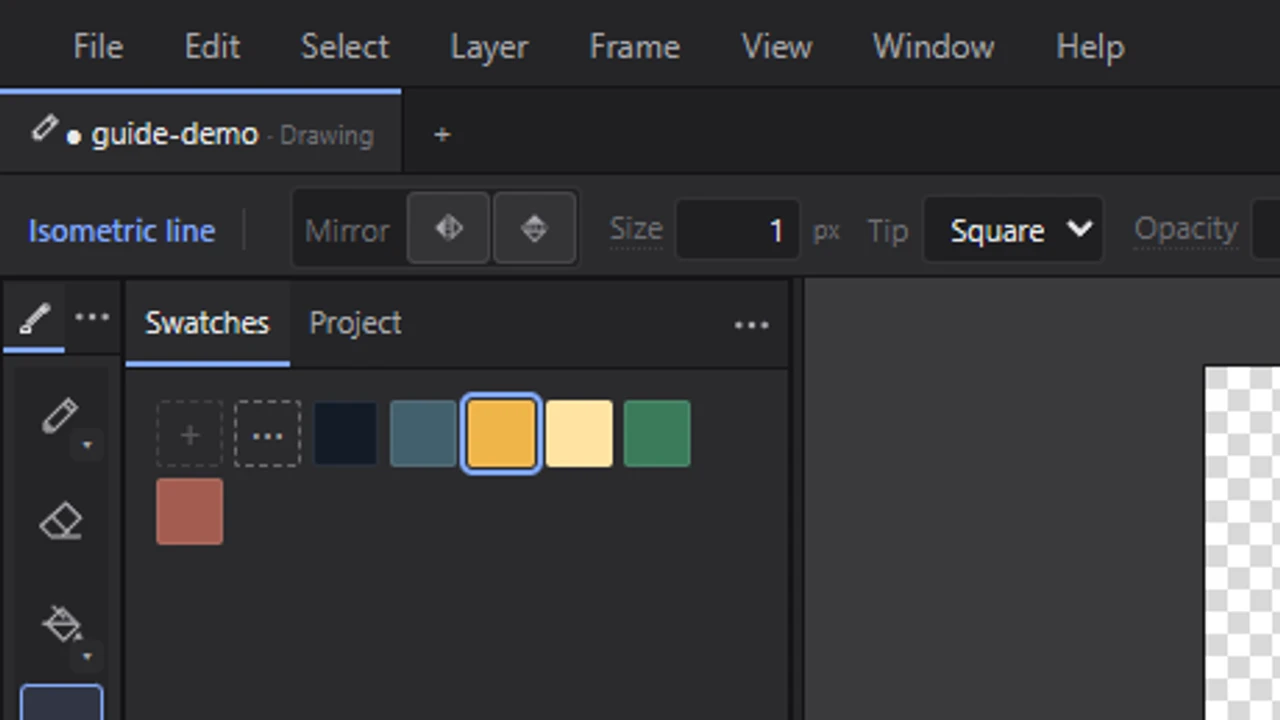
Open the Lines arrow in the left toolbar and click Isometric line. Check its name in the options row. Choose a visible, unlocked layer. On a phone, select the tool and open its options sheet before drawing.
Check: Isometric line is active before you start the gesture.
Draw and inspect a 2:1 pixel stair
Choose Size 1. Press near the lower left and drag diagonally toward the upper right, then release. The tool constrains the diagonal to exact pixel-art isometric steps: two horizontal pixels for one vertical pixel, approximately 26.565 degrees. The close-up in the video lets you inspect the staircase.
Check: The repeated stair uses the same 2:1 ratio along the line.
Compare thin and thick marks
Start at Size 1 and make a mark. Undo, change Size to 7 and repeat from the same point. The number measures document pixels, so the mark grows without changing the canvas dimensions. Use the smaller size for precise edges.
Check: The second footprint is wider at the same zoom.
Choose a square or round footprint
Set Size to 9 before comparing Square and Round in Brush tip. Make a mark with each. Round is a stepped pixel footprint, so it preserves the pixel grid. At Size 1 the difference is not visible.
Check: The two large footprints have different corner shapes.
Compare solid and translucent paint
Make one test at 100% opacity. Undo, change to 30% and repeat from the same starting point. Inspect how the background shows through. Return to 100% for opaque artwork.
Check: The lower-opacity result lets the drawing or transparency underneath show through.
Close a diamond from four matching edges
Draw from the left corner to the upper corner, then from the upper corner to the right corner. Release after each line. Add the two lower edges to return to the starting corner. Reuse the same endpoints so the four edges join without a one-pixel gap.
Check: The four matching diagonals enclose a complete isometric diamond.
Before you continue
Use Undo to compare the result with the original, then save when the change is useful. On a phone, open the tool options sheet when a control is not visible.
If something does not work
The result is not what I expected
A visually similar freehand diagonal can drift by a pixel over a long distance. Keep the same ratio and origin when assembling repeated pieces.