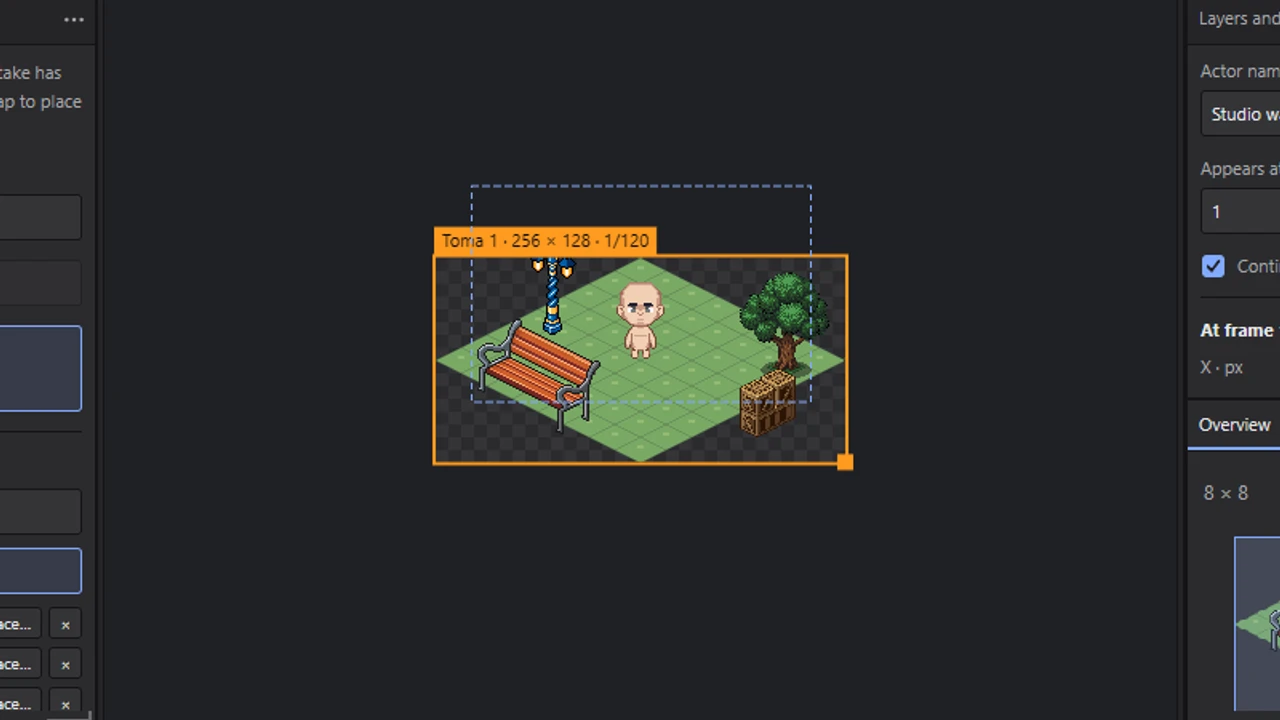
Scene uses the tilemap, its ground and objects as a stage. Character clips are source art; actors are placed instances; a take stores a performance and camera. Drawing Motion uses layer keys and is taught in its own section.
You will learn
- Prepare the map and a character
- Add an actor instance
- Rehearse before recording
Create the character library
Activate Scene, open Characters and create Studio walker. Import the original Aseprite source and assign its eight walk directions. Untick the turn test and duplicate front tag. Add to take creates a placed actor from that character. The following direction lesson explains the assignment one field at a time.
Check: The map contains an actor using the imported walking source.
Rehearse before recording
Assign walk under When walking and select the actor. Choose Rehearse, focus the map and use WASD or arrows. Test single and diagonal key pairs. Release the keys to stop and use Escape to leave rehearsal. Check that the feet, directions and depth behave as intended before recording a performance.
Check: The actor walks using the assigned directional clips.
Record and replay the actor
Press Record actor and act with the keyboard while the take advances. Stop with Escape. Go to start and Play without holding a movement key. The recorded track controls the actor. Save the Studio map to keep characters and takes editable. Rehearse and Record actor are separate actions.
Check: Playback repeats the recorded performance without live movement keys.
Choose the visible region
Open Take and set the camera position and dimensions. Its gold frame is measured in map pixels, independently of editor zoom. Inspect the actor and props inside the crop, then continue to Camera and timing of a take for the distinction between pose durations, travel speed and the take clock.
Check: The camera includes the intended performance region.
If something does not work
The character goes behind the wrong floor
Check its chosen depth/support level and the map’s level height. A single raster layer mixing floor, walls and roof cannot describe every occlusion by itself; separate the relevant pieces or define their depth.