Keep character art, actor placement and recorded performance separate. Review the recorded track before adding another actor.
You will learn
- Rehearse without recording
- Record and replay the selected actor
Rehearse without recording
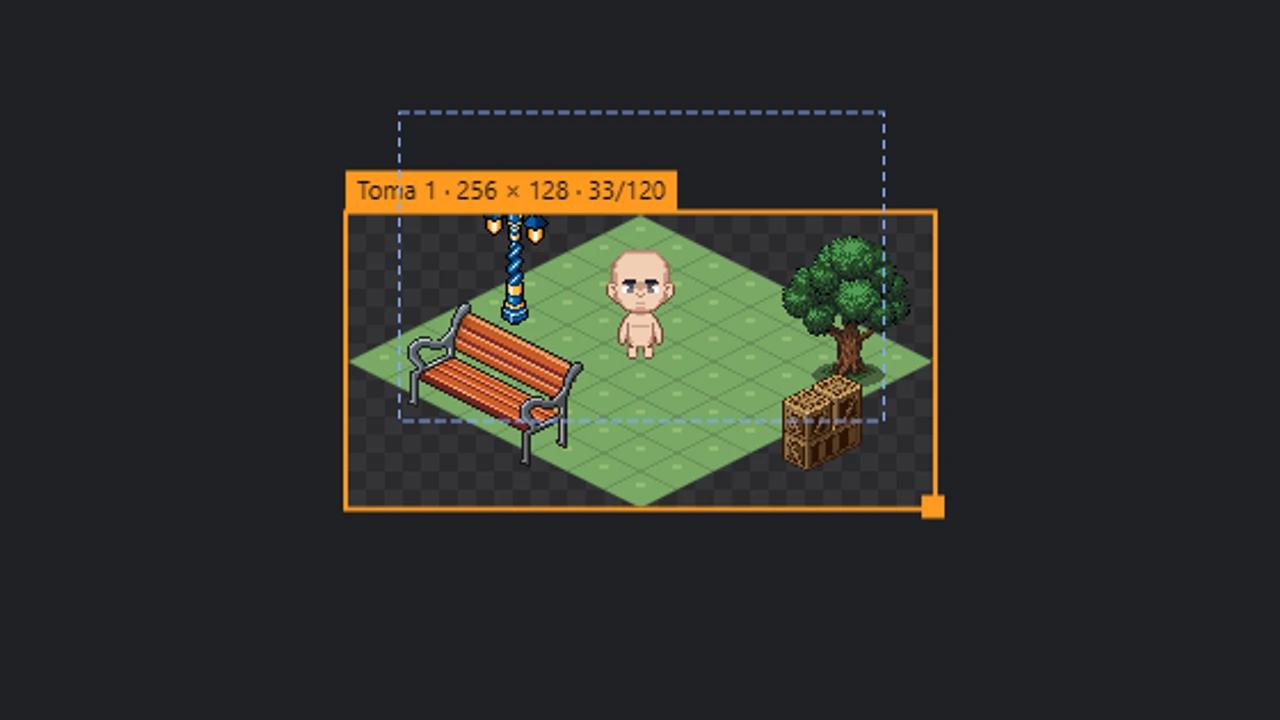
Select the imported actor and choose Rehearse. Give the map focus and move with WASD or arrows. Test the walking directions and contact with props. Stop with Escape. Rehearse previews movement without adding a recorded performance; it is the place to check setup before committing a take.
Check: Testing movement does not create a new recorded track.
Record and replay the selected actor
Return to the start and choose Record actor. Focus the map, hold a movement key and stop with Escape. Inspect the actor track, choose Go to start and Play without holding movement keys: the stored performance plays back. Scrub to inspect placement. Save the editable Studio map to retain its takes and character library; exporting only a Tiled map does not include this performance.
Check: Playback repeats the stored movement without keyboard input.
If something does not work
The actor does not respond to the keyboard
Select the actor, choose Rehearse or Record actor and give the map keyboard focus. A text field must not be receiving the movement keys. Check that When walking has an assigned action and the character has its directional clips.