Tell an empty pixel from a painted background, and export sprites without accidentally baking in the canvas checkerboard.
You will learn
- Inspect an empty layer
- Erase to transparency
- Compare background-colour erasing
Inspect an empty layer
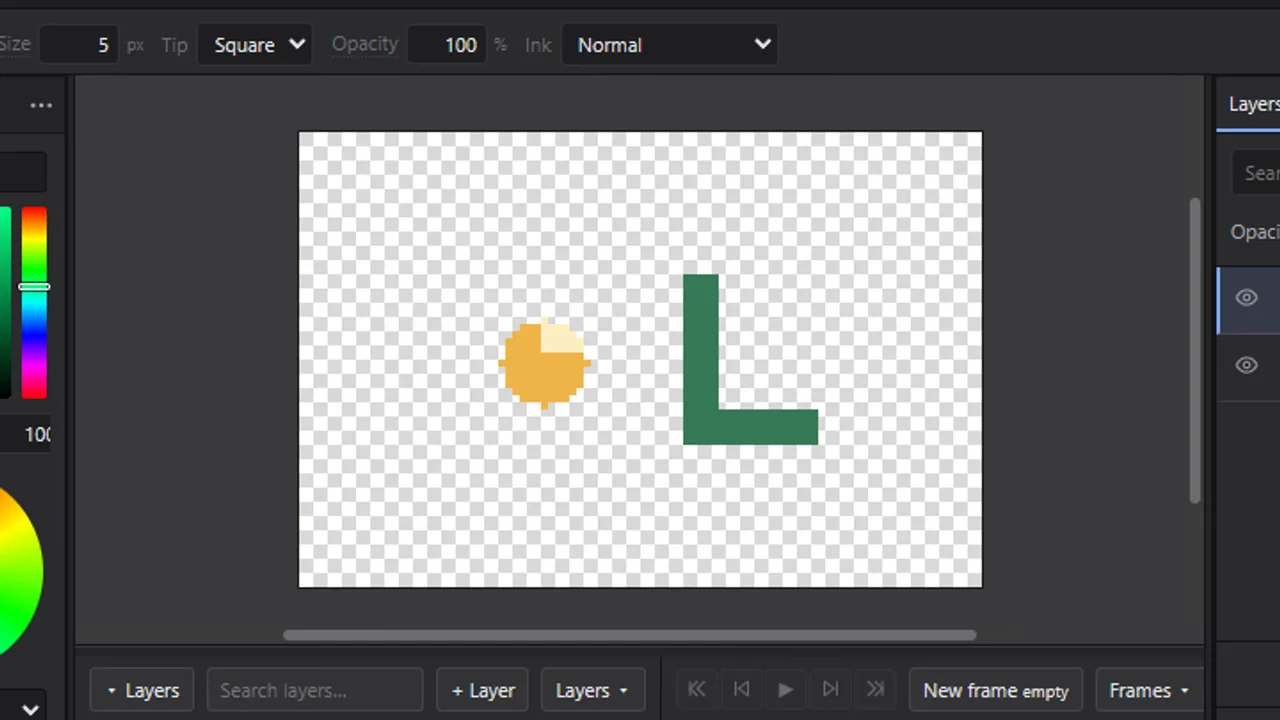
Create an empty layer above your artwork. The checkerboard is the canvas background for empty pixels; it is not part of that layer. Hide all lower layers to see the difference between transparency and a painted light colour.
Check: With lower layers hidden, an empty layer shows the checkerboard.
Erase to transparency
Draw a thick coloured stripe, choose Eraser and leave Erase with background colour off. Erase through its centre. The checkerboard appears in the gap. If you see another colour there, hide lower layers: you may be seeing artwork underneath.
Check: The erased gap shows transparency when no painted lower layer covers it.
Compare background-colour erasing
Undo. Enable Erase with background colour and choose a clearly different background colour. Erase the same area: the pixels are now replaced with that colour, rather than cleared. This is useful for a deliberately opaque background, but unsuitable for cutting out a transparent sprite.
Check: Background-colour erasing leaves the selected background colour rather than an empty pixel.
Check layer visibility
Turn background-colour erasing off again. If you want a transparent final image, hide any full-canvas background layer before export. Reducing a layer opacity is a different operation: it makes every painted pixel in that layer translucent.
Check: Background-colour erasing is off and full-canvas backgrounds are hidden before a transparent export.
Export a transparent PNG
Export PNG at 1×. Import that PNG as a new layer in a separate test document with a bright background underneath. If the sprite cuts out correctly against the bright colour, the PNG retained transparency. Keep the editable project to preserve the original layers.
Check: The exported sprite reveals the bright test background through its transparent areas.
If something does not work
Erasing reveals another drawing
You cleared the active layer and revealed a lower visible layer. Hide the lower layer to inspect the alpha gap.