
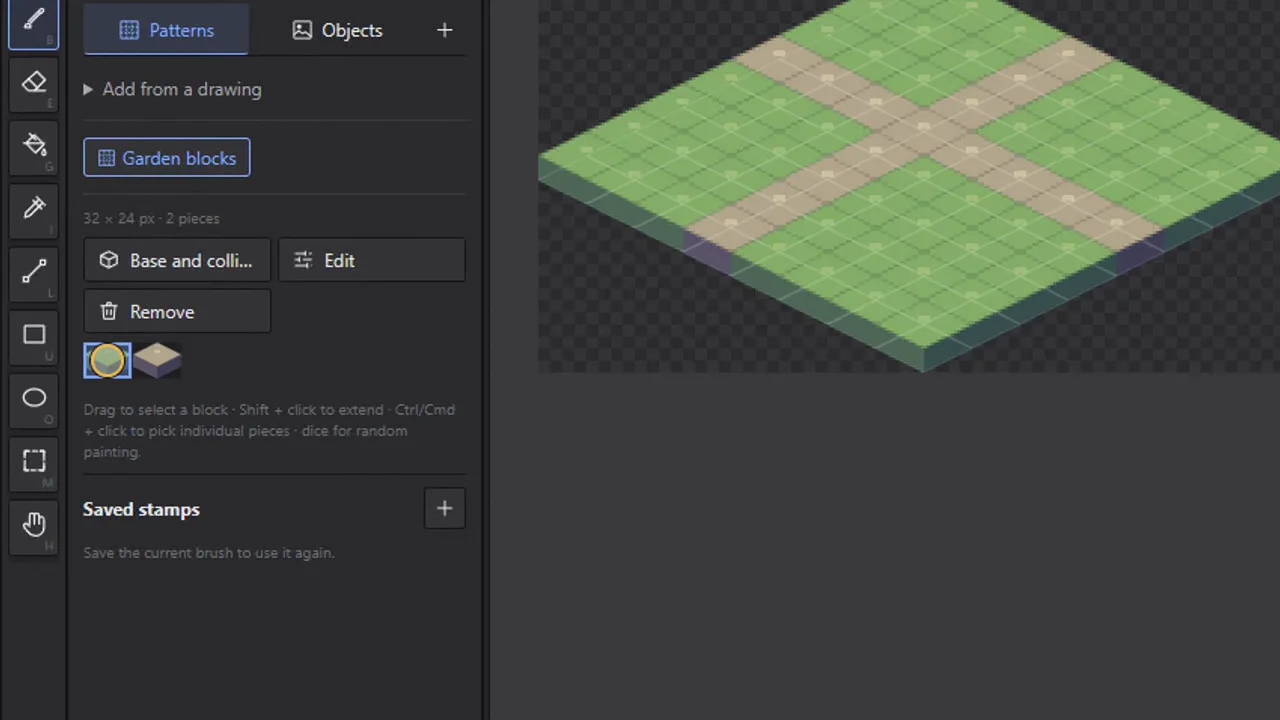
Use a measured vertical block thickness so repeated floors accumulate consistently in the map and scene.
You will learn
- Start from a single block
- Set the height of one level
- Compare several consecutive levels
Start from a single block
Check that one tile is drawn with the intended projection and transparent bounds. Tile image height includes its top face and margins; it is not automatically the amount by which another floor should rise.
Check: You can distinguish top-face height, side thickness and transparent margin.
Set the height of one level
In Layers and objects, enter the vertical side thickness in Level height (px), or use Measure blocks. For a 32×24 isometric block with a 16 px top face and an 8 px side, use 8, not 24. A level n is raised by n × level height; with this example, levels 0–3 use 0, 8, 16 and 24 px of elevation.
Check: Level height equals the measured vertical side thickness.
Compare several consecutive levels
Place matching pieces on the base and successive raised levels. Check at least four levels: a small per-level error accumulates and may be hard to notice when testing only the first two.
Check: Levels 0, 1, 2 and 3 stack without accumulating drift.
Place actors on the intended support
In Scene, choose the actor’s depth/supporting level deliberately. Draw order and physical elevation are related but different settings. Check that releasing a drag, changing frames and reopening the map preserve the intended support.
Check: The actor stays on the intended support after releasing the drag.
Recheck old projects after recalibration
If a saved map contains an older manual level height, measuring again is an explicit action. Recheck raised tiles and actor keys after changing it, and save a backup before replacing the old version.
Check: Reopening retains the chosen height and actor placement.
If something does not work
Only the first two floors seem aligned
Check level height against the side thickness. An error repeats at every level, so compare 0, 1, 2 and 3. Recalibration is explicit; recheck existing actor keys and keep a backup before replacing an older map.