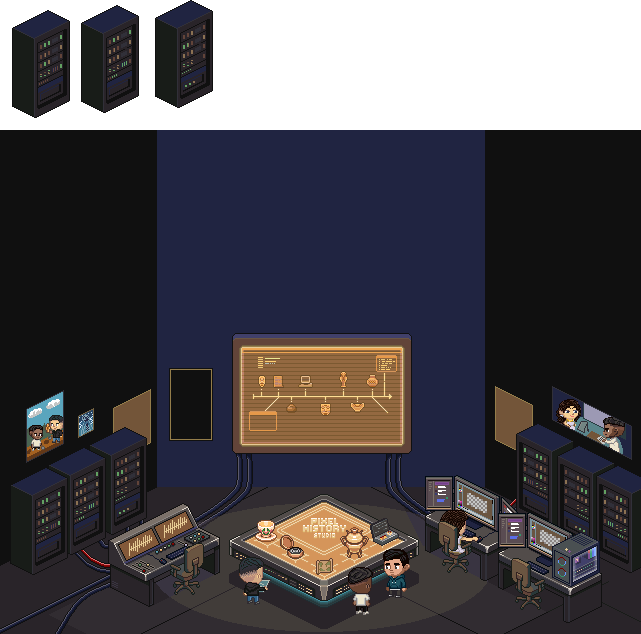
Decide which images repeat on the grid and which need independent placement and depth.
You will learn
- Inspect the source image
- Choose the set usage
- Keep object order readable
Inspect the source image
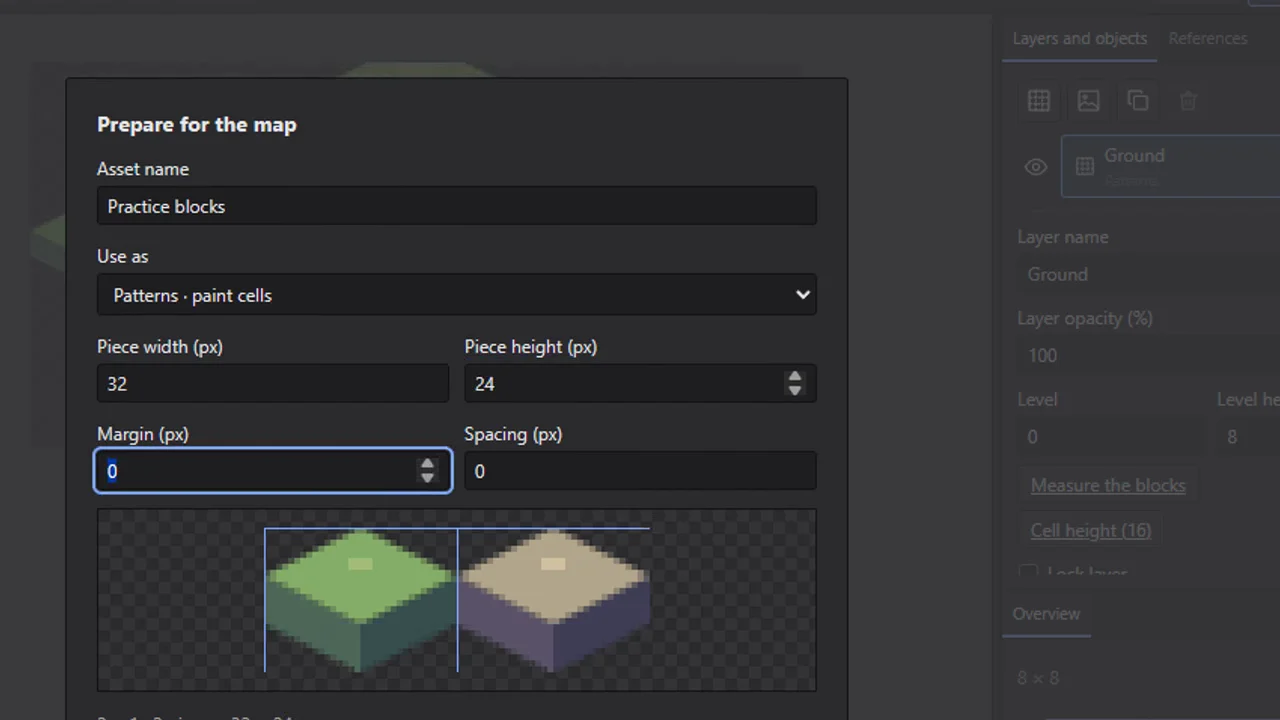
Choose a source with known pixel dimensions and define the tile grid that divides it. Check the preview before adding the set. For a whole-image object, use that option instead of slicing it into unintended cells.
Check: The tile preview contains the complete intended image.
Choose the set usage
Set the resource to the intended pattern or object workflow. A floor texture belongs naturally on pattern cells, while a tree or tall prop often needs independent object placement.
Check: The set usage matches floor cells or independent objects.
Keep object order readable
Use an object layer for independent props and inspect the list ordering. A tall image can cover other objects even when its ground contact is nearby. Configure its base and depth controls rather than relying on the image’s top edge.
Check: Occlusion follows the configured base and depth.
Review collision separately
Where the tile settings expose a collision shape or manual vertices, define the actual footprint that should block movement. The visible sprite silhouette and the walk-blocking area do not need to be identical.
Check: The collision footprint blocks the intended ground area only.
If something does not work
A tall object covers the wrong actor
Inspect the object base, depth ordering and the actor’s supporting level together. The transparent image top does not define its ground contact. Configure the collision footprint separately from visual occlusion.