Motion belongs to the frame animation tools of a Drawing. Scene controls characters and recorded takes inside a tilemap; it has its own section. Start with one filled ball on one layer so you can recognise every change.
You will learn
- Open Motion once and keep it visible
- Continue with keys or ready-made paths
Open Motion once and keep it visible
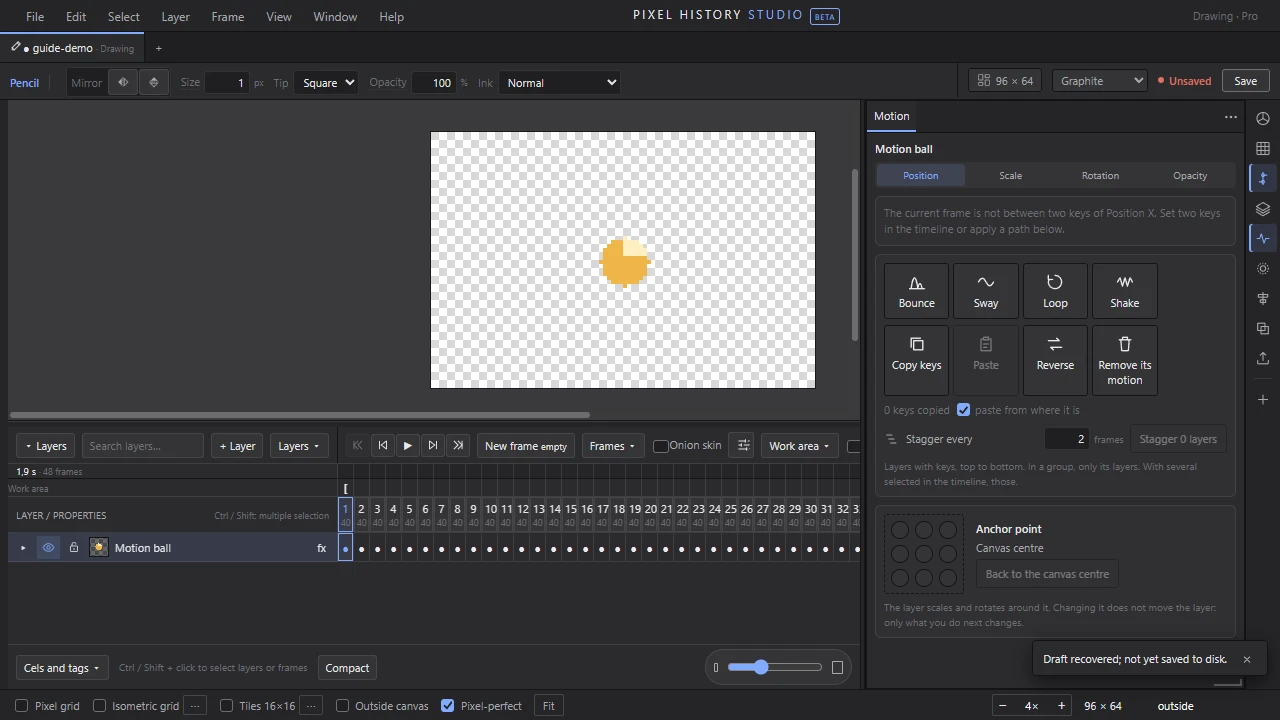
Download the editable Motion ball below and open it as a Studio document. It already contains 48 painted frames at 40 ms and no motion keys. Open Window → Motion. For these lessons close unrelated colour and effect panels and leave Motion beside the canvas, with the timeline underneath. The following videos start from that arrangement.
Check: Motion and the timeline are visible without unrelated panels.
Continue with keys or ready-made paths
Continue to Position, scale, rotation and opacity keys to make the first two keys by hand. Four motion paths teaches Bounce, Sway, Loop and Shake separately. Each demonstration plays two complete cycles, using its actual frame durations. Motion animates Drawing layers; Scene records actors in tilemaps and has a separate module.
Check: You know where to learn keys, presets and recorded actors.
If something does not work
Motion says there are too few frames
The selected layer needs cels in at least two frames, not just an unrelated frame elsewhere in the document. Duplicate a practice pose across several frames, select its layer and reopen Motion.